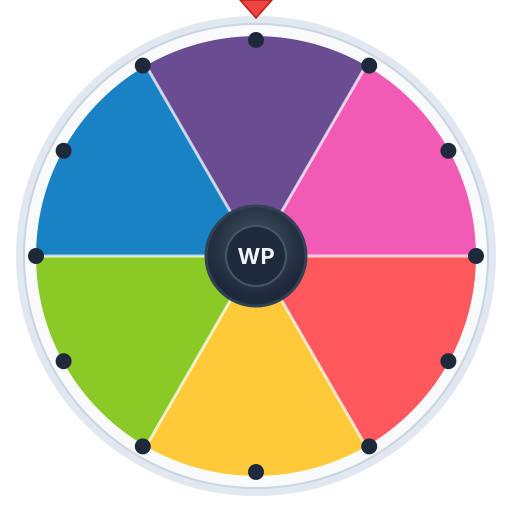
Random Color Picker Wheel

Let the wheel pick your next color. Spin for a random color — perfect for art projects, design choices, and creative games.

Spin Results
Wheel Entries
Add, edit, and colorize
0

How to Use the Color Picker

  1. 1The wheel comes loaded with 8 popular colors.
  2. 2Click SPIN to pick a random color!
  3. 3Add your own custom colors or remove ones you don't want.
  4. 4Use multi-spin for color palette generation.

Features

Frequently Asked Questions

Can I add custom colors?
Yes! Click '+ Add Entry' to add any color you want. You can also edit existing colors by clicking the color circle.
What colors are included by default?
Red, Orange, Yellow, Green, Blue, Purple, Pink, and Teal are the default colors, but you can customize them.
Can I use this for design work?
It's great for creative challenges, picking accent colors, art prompts, and breaking through creative blocks.